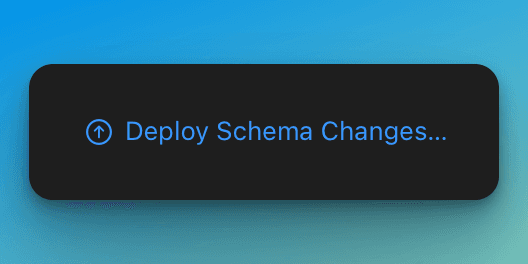
Don't forget to deploy your CloudKit-backed SwiftData entities to production.
I thought SwiftData model changes would just work ✨. Make sure you press this button after updating your CloudKit-backed SwiftData models.
My biggest lesson after working on an app for 5+ years is to move on faster. Even after moving on from SuperFit last year, I still thought about it all the time (Are we still talking about an app? 💔)
Well… fast forward to WWDC23- and Apple launched SwiftData, a new and improved persistence framework over CoreData. So… no more .xcdatamodel GUI— I declare a @Model and things just work? Sweet.
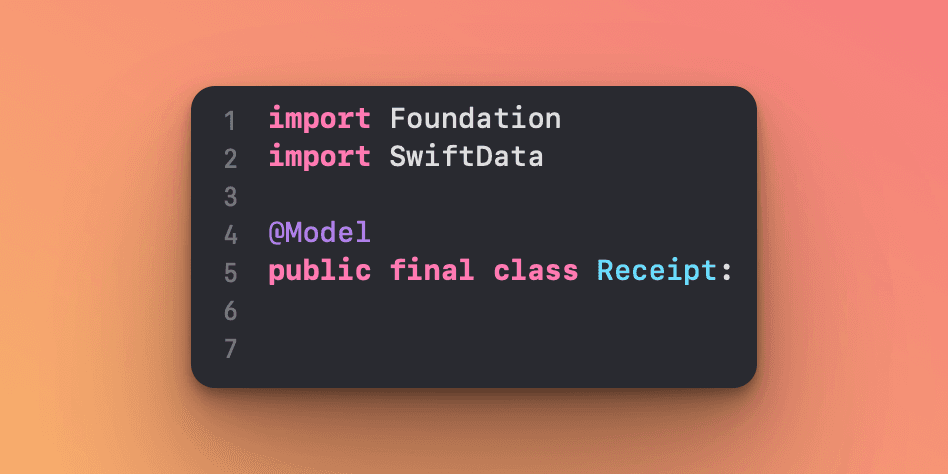
With a model and simpler persistence coordinator in “ModelContainer”, you have a working app.
Well I think I moved too fast this time around. 💨
In the Meet SwiftData session- they briefly mentioned CloudKit integration, but did not elaborate on it. No matter— if it was possible that’s all I needed to know.
Fast forward to today— I published a receipt splitting app using CloudKit & SwiftData 👏.
I deployed it to the App Store and days later, I realized something was off.
My receipts were saved on device, but they were no longer syncing to other signed-in iCloud devices like my iPad. It worked fine when I was debugging in Xcode though 🤔. Did I run out of iCloud storage lol?
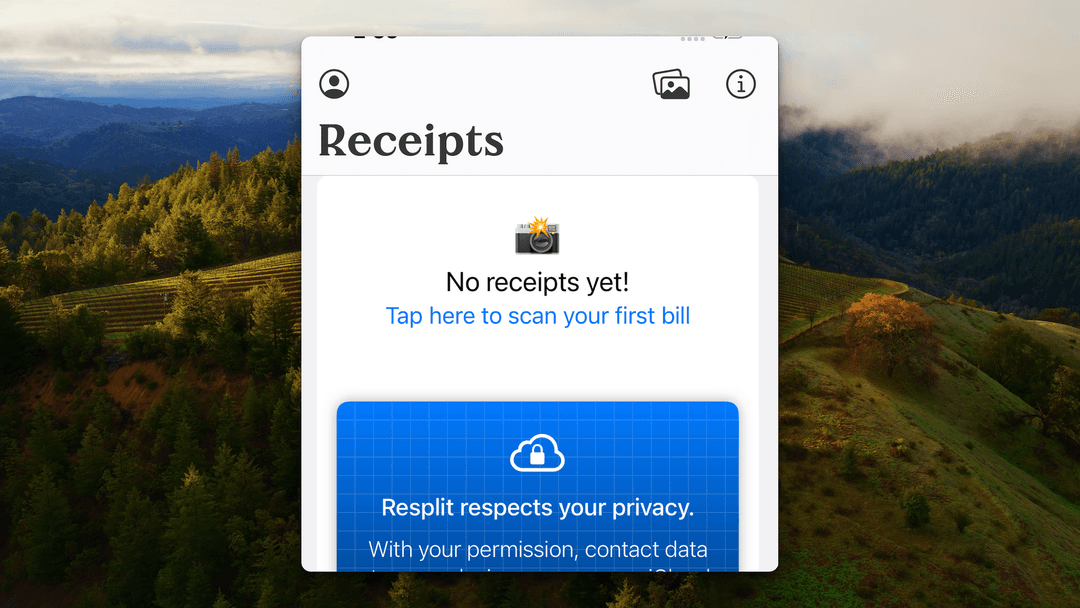
where are my receipts from iPad?
Answer: I had to log onto the CloudKit dashboard and tap “Deploy Schema Changes…” for my entities to show up on production.
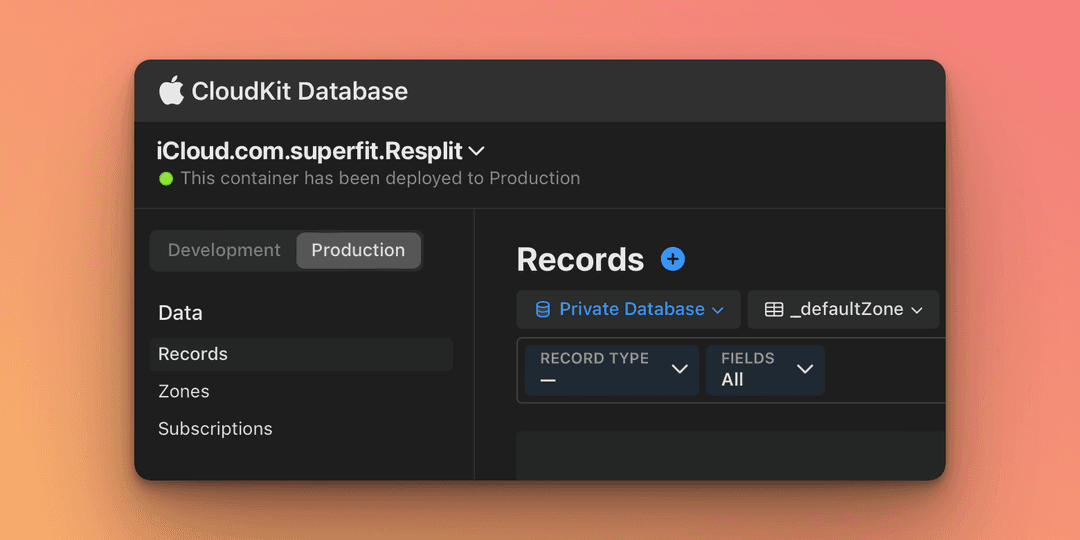
Oops. I thought SwiftData model changes would just work ✨. In my defense this misstep wasn’t obvious because my app’s entities in development were automatically created. It makes sense though, data migrations in prod shouldn’t be automatic.
Not in my defense: CloudKit isn’t new… had I been less hasty with launching a new app, I would have found this 4 year old thread with the same answer:
It sounds like you didn’t replicate your schema to production.
😆 Oh wells- fortunately it was a silent launch and I hadn’t blast the app yet…
Oh check out my app Resplit 😏
Make sure you press this button after updating your CloudKit-backed SwiftData models!